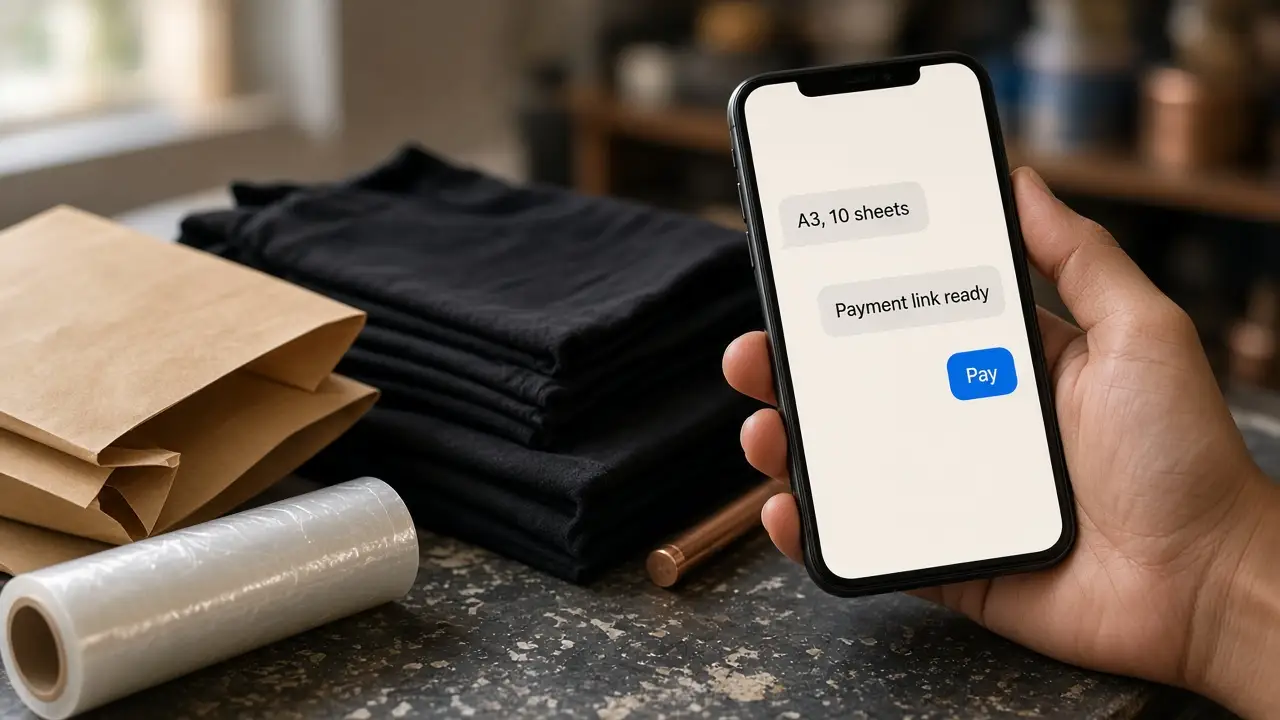
Hibou is a WhatsApp commerce bot that takes a store's order inside the chat. The customer sends a design or picks a catalogue item, confirms size, quantity and address, and pays from a link in that same chat. The paid order is synced to the brand's own webstore only after payment is confirmed. That webstore can be WooCommerce, Shopify, or another D2C webstore.
They message the store's WhatsApp number. They send a design file, or they pick from the catalogue the agent shows in the chat. They confirm size, quantity, and the delivery address. They pay from the link Hibou sends. They can ask where the order is later, in the same thread.
The brand's own webstore remains the order record. That can be WooCommerce, Shopify, or another D2C webstore. Hibou syncs the paid order only after payment is confirmed, not when the customer is still deciding. The team can read the chat and reply themselves. A reply from the team pauses the bot on that chat.
THREADLY is a DTF heat-transfer print store run by Hibou Printtech Pvt Ltd. Hibou has been on THREADLY's WhatsApp number since 22 June 2026. Customers order custom prints and ready-made designs there, pay in the chat, and ask about delivery in the same thread.
On THREADLY, Hibou replies in English, Tamil, Hindi, Telugu, and Malayalam. A customer who writes in Tamil gets Tamil. A customer who switches language mid-chat is answered in the language of the new message.
Hibou is a WhatsApp commerce bot that takes a store's order inside the chat.
The customer sends a design or picks a catalogue item, confirms size, quantity and address, and pays from a link in that same chat.
The paid order is synced to the brand's own webstore only after payment is confirmed. That webstore can be WooCommerce, Shopify, or another D2C webstore.
The live THREADLY deployment replies in English, Tamil, Hindi, Telugu, and Malayalam.
A reply from the store team pauses the bot on that chat.
One deployment serves one WhatsApp number and one store.
A commerce bot takes an order inside the conversation. It collects the item, the details needed to fulfil it, and the payment, then writes the order into the store's system. Hibou is a commerce bot for WhatsApp stores. It syncs the paid order to the brand's webstore only after payment is confirmed. That webstore can be WooCommerce, Shopify, or another D2C webstore.
Hibou syncs the paid order to the brand's own webstore only after payment is confirmed. The payment provider notifies Hibou, and the order is synced then. An unpaid conversation does not become an order. A repeated notification for the same payment does not create a second order. The webstore can be WooCommerce, Shopify, or another D2C webstore.
No. Hibou does not invent an order total. When the store's pricing rules can price the order, that total is what the agent says. When they cannot, the agent may state a unit price and must not multiply it, add shipping, or announce a total.
Yes. A reply from the store team pauses Hibou on that chat. The customer can also ask for a person, or ask to be called, and the bot steps aside. The team can return the chat to the bot. A customer can leave the pause by asking for the menu.